Launch kit

App Store Information

Paste-ready metadata and screenshot assets for VerseMark Bible. The first release focuses on precise verse-level Bible reading progress, favorites, notes, reminders, sharing, community, and profile stats.

Name

VerseMark Bible

Subtitle

Verse-by-verse Bible tracker

Promotional Text

Track Bible reading with verse-level precision. Mark the exact verses you read, save favorites, write notes, and see meaningful progress.

Description

VerseMark Bible is a Bible reading tracker built for people who want progress that reflects what they actually read.

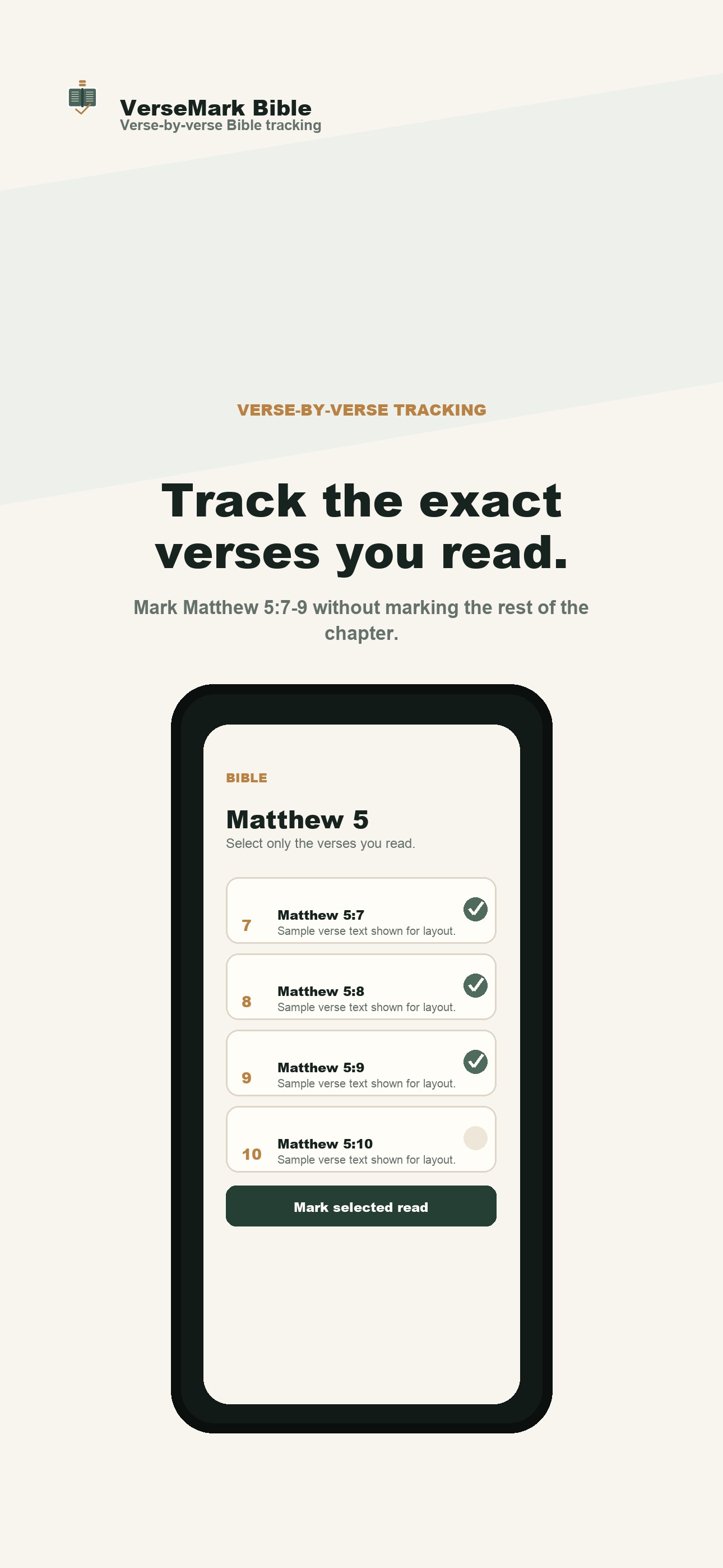
Most Bible trackers stop at the chapter. VerseMark lets you mark individual verses, so you can read Matthew 5:7-9 without marking the rest of Matthew 5. Your progress stays precise across the whole Bible, each testament, each book, and each chapter.

Features:
- Track Bible reading at the individual verse level
- Mark selected verses or full chapters as read
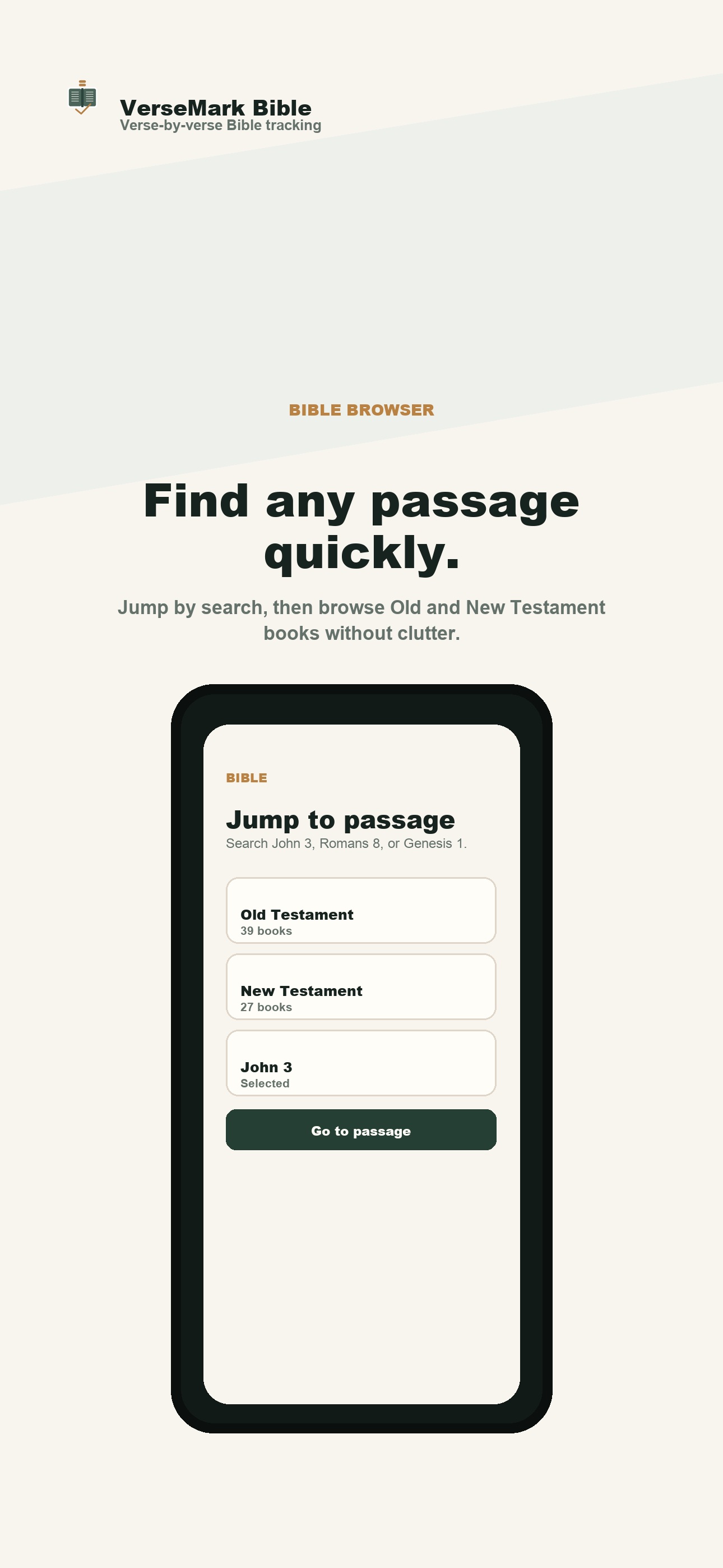
- Browse the Bible by Old Testament and New Testament
- Jump directly to passages like John 3, Matthew 5, or Romans 8
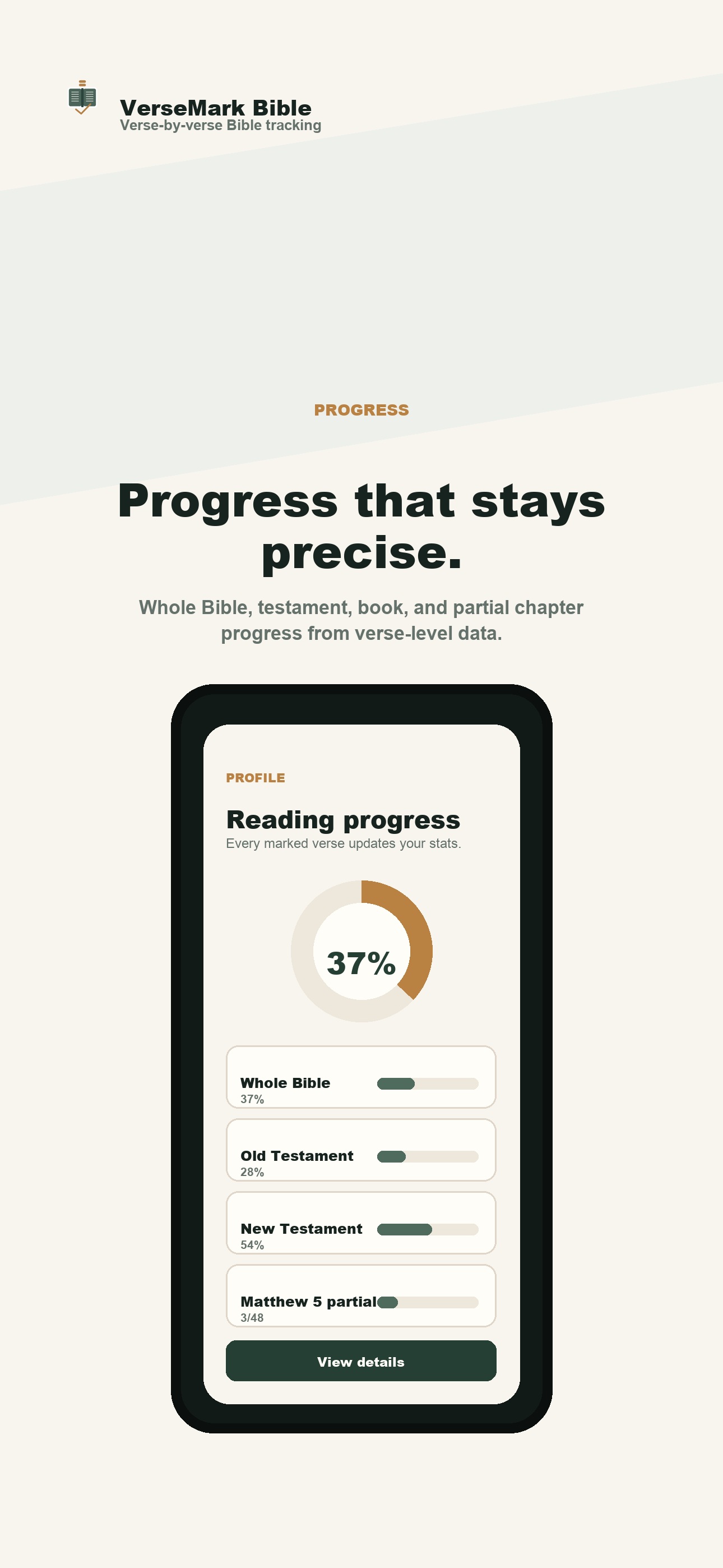
- See whole-Bible, testament, book, and partial chapter progress
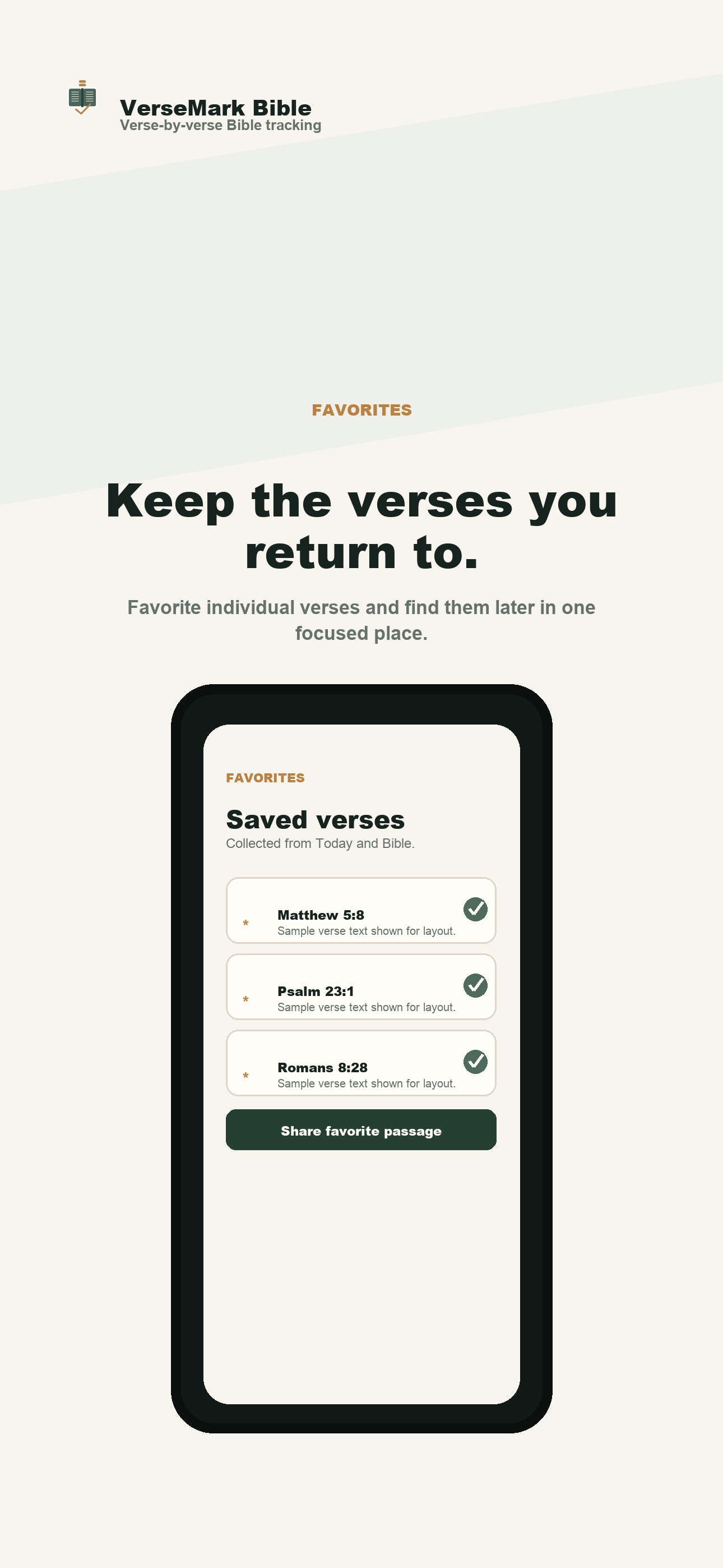
- Save favorite verses
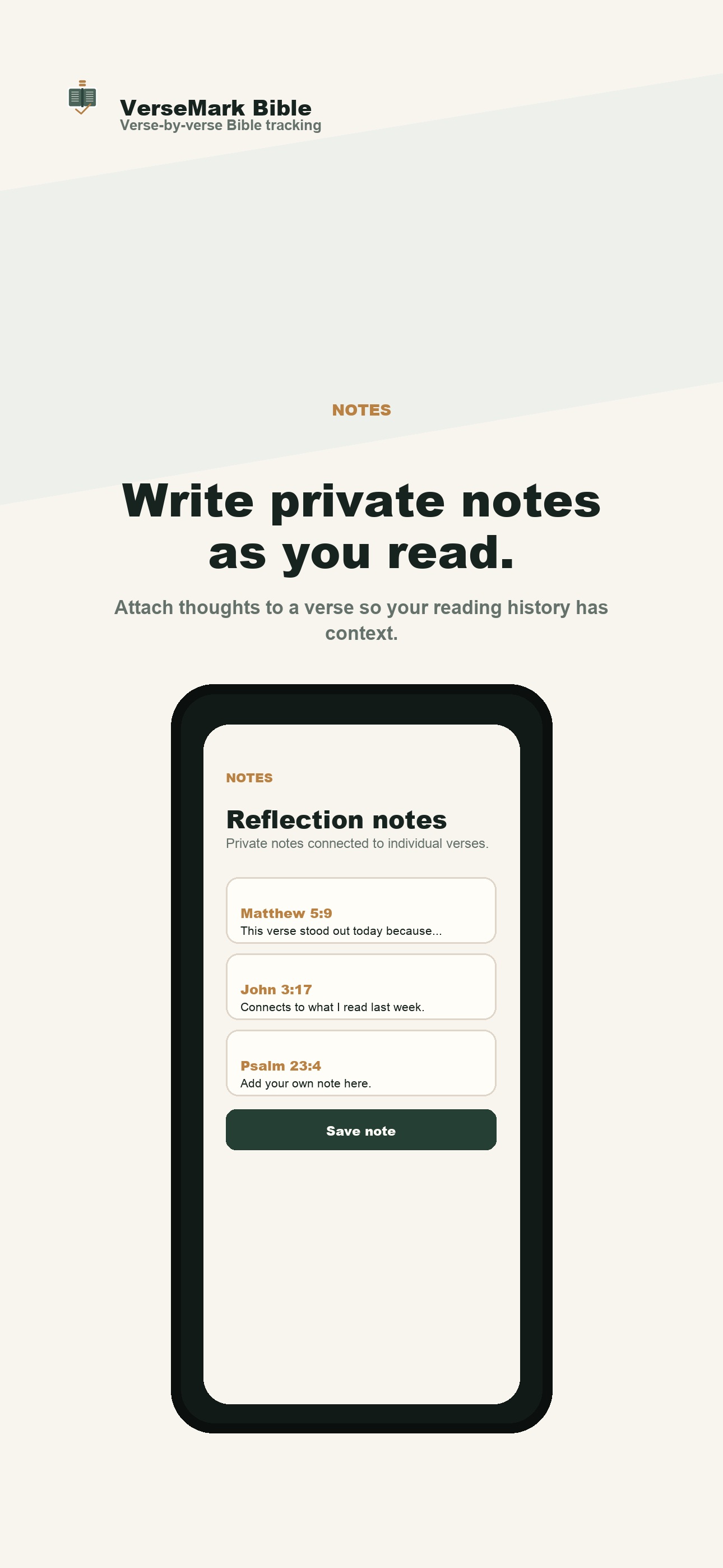
- Write private notes tied to specific verses
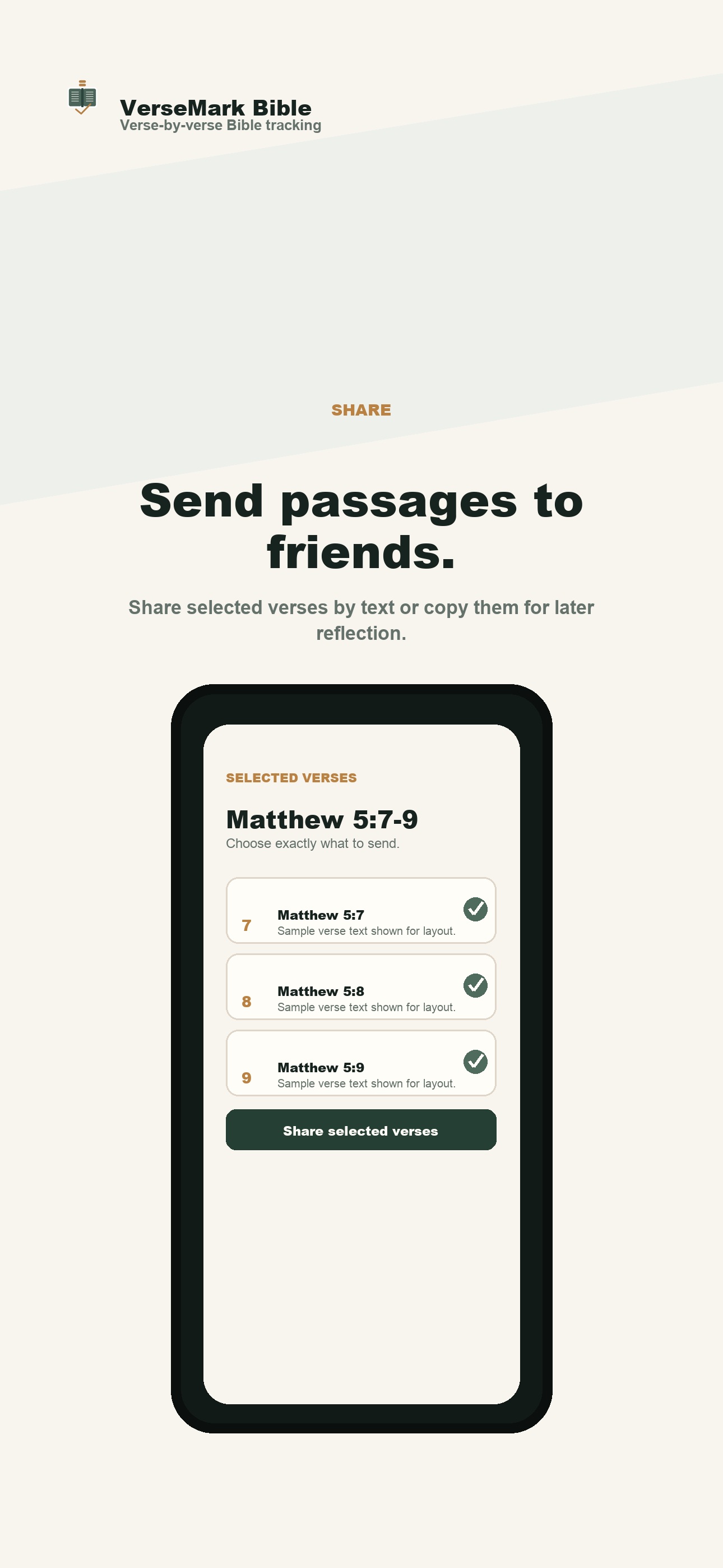
- Share selected passages with friends
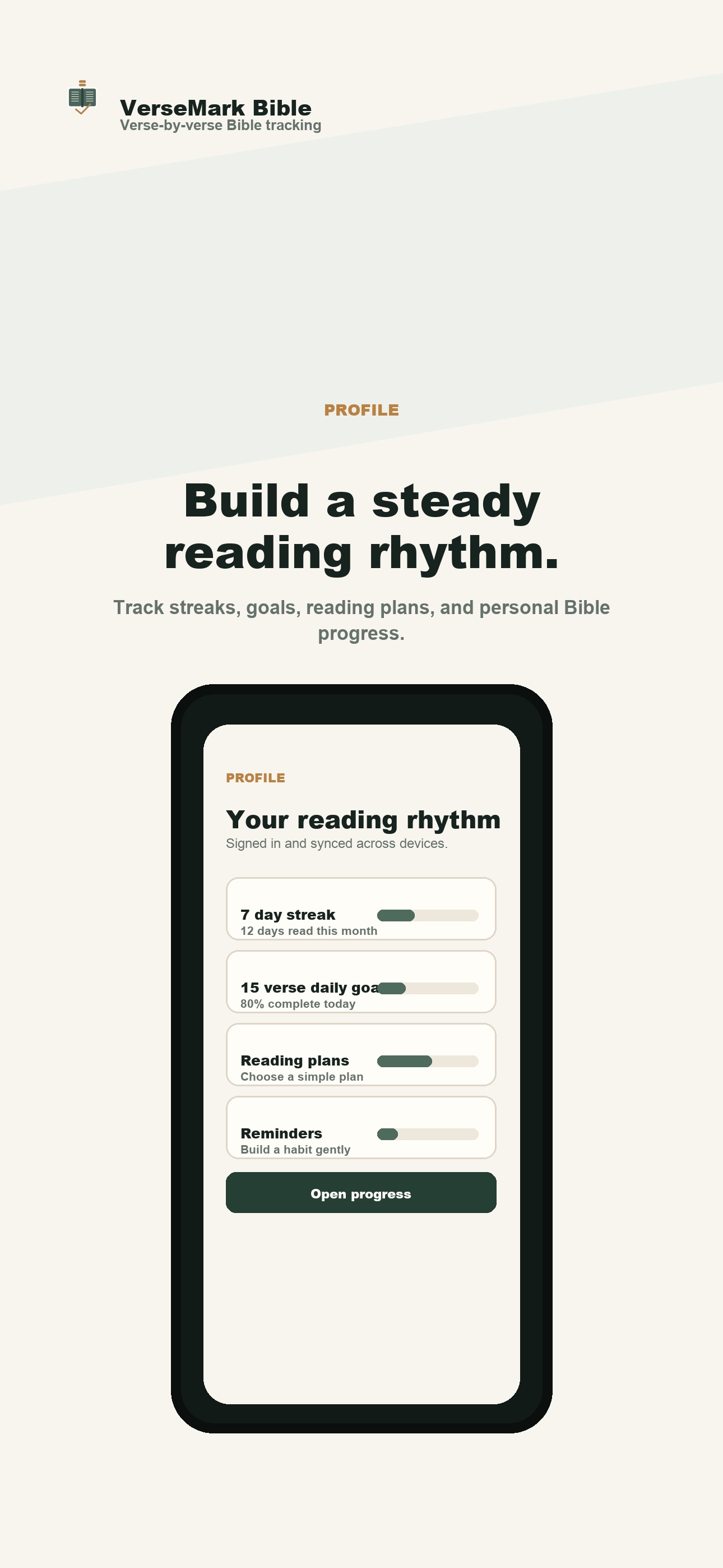
- Set reading goals and reminders
- Sign in to sync reading progress across devices

VerseMark is designed to be clean, calm, and focused. It helps you build a steady reading rhythm without flattening your progress into all-or-nothing chapter checkboxes.

VerseMark Bible uses legally available Bible text and does not require a subscription for the core reading tracker.

Keywords

bible,tracker,reading,verses,verse,study,notes,faith,scripture,devotional

Support URL

https://versemarkbible.com/support

Privacy Policy URL

https://versemarkbible.com/privacy

Review Notes

VerseMark Bible lets users browse Bible passages, mark individual verses as read, save favorites, write private notes, share passages through the iOS share sheet, set reminders, and view reading progress.

No purchase is required. No copyrighted Bible text is included beyond legally available/public-domain text loaded in the app database.

Account sign-in is optional. Users can read and track locally without signing in. Creating an account enables synced reading progress, favorites, notes, profile details, and account deletion.

Screenshots

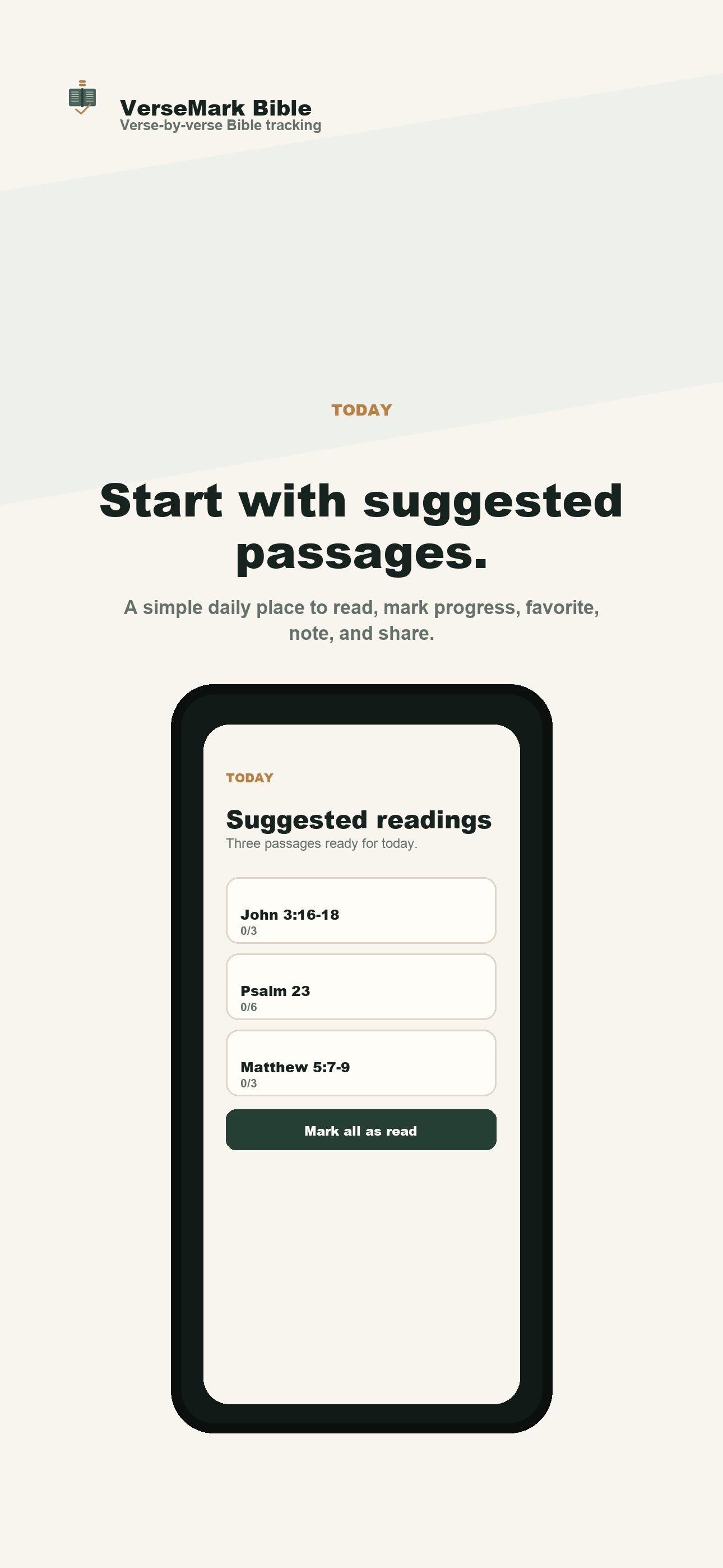
App Store-ready iPhone screenshots, sized at 1284 x 2778 pixels.
Verse-level tracking screenshot Today screenshot Bible browser screenshot Progress screenshot Favorites screenshot Notes screenshot Profile screenshot Sharing screenshot